arrow-left

All pages
gitbookPowered by GitBook
1 of 4

Loading...

Loading...

Loading...

Loading...

Java - CSS Injection (CSSI)

hashtag
Running the app on Docker

circle-check

Now that the app is running let's go hacking!

hashtag
Reconnaissance

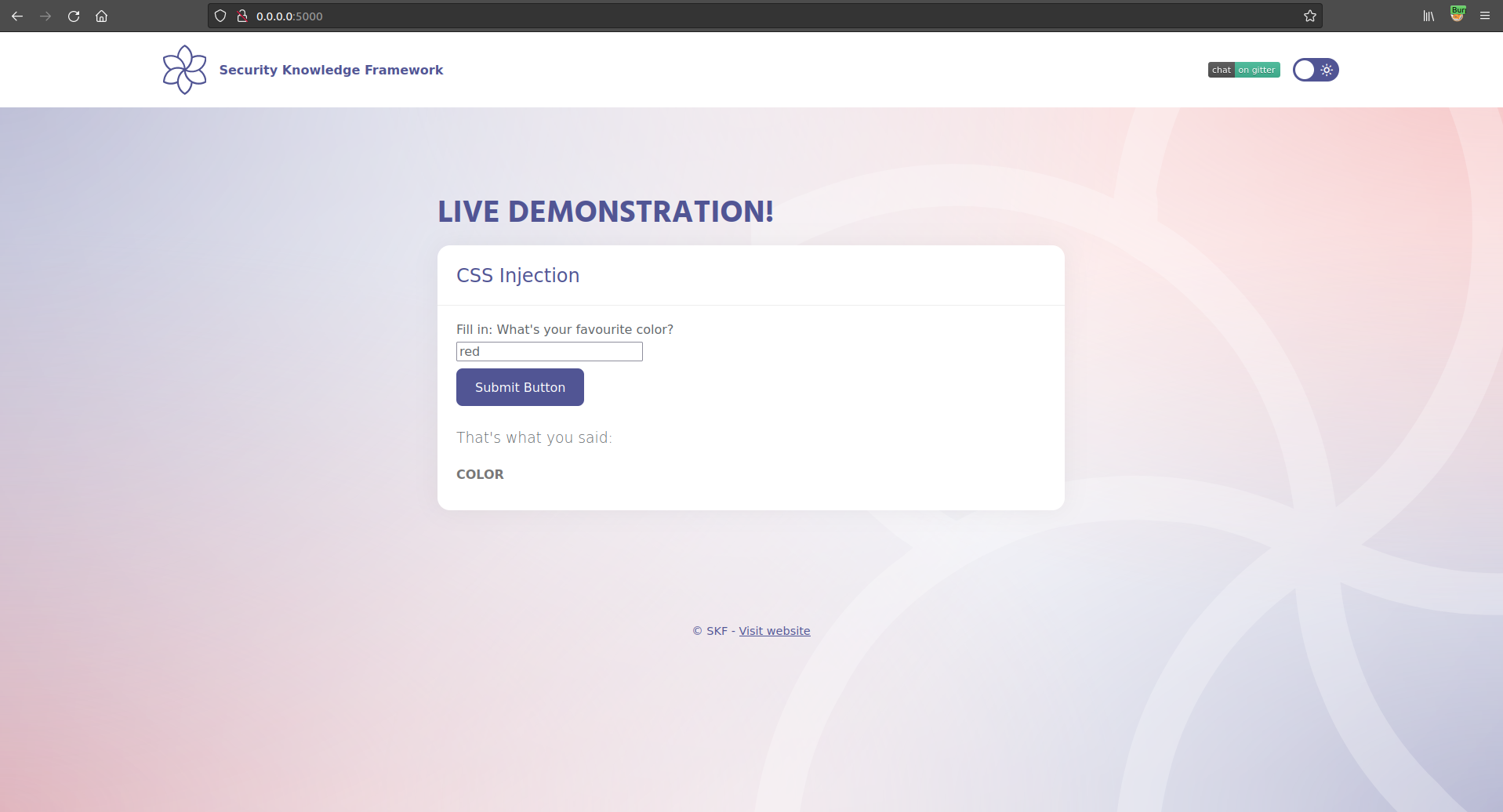
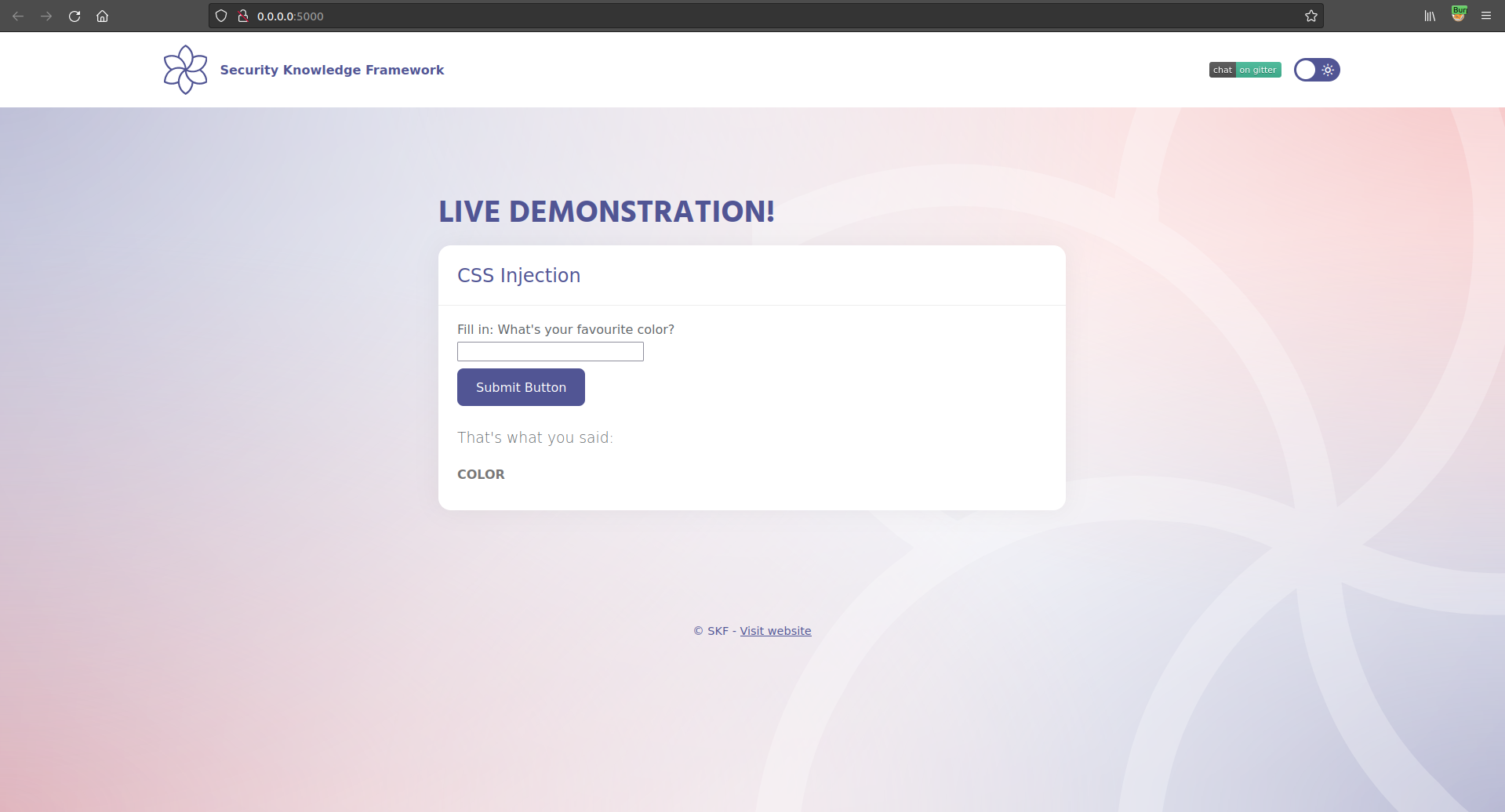
When we start the application we can see that there is a text box that allow you to write a color name.

We can write a color like:

And depending on the color that we chose, this will be the color in the text below:

hashtag
Exploitation

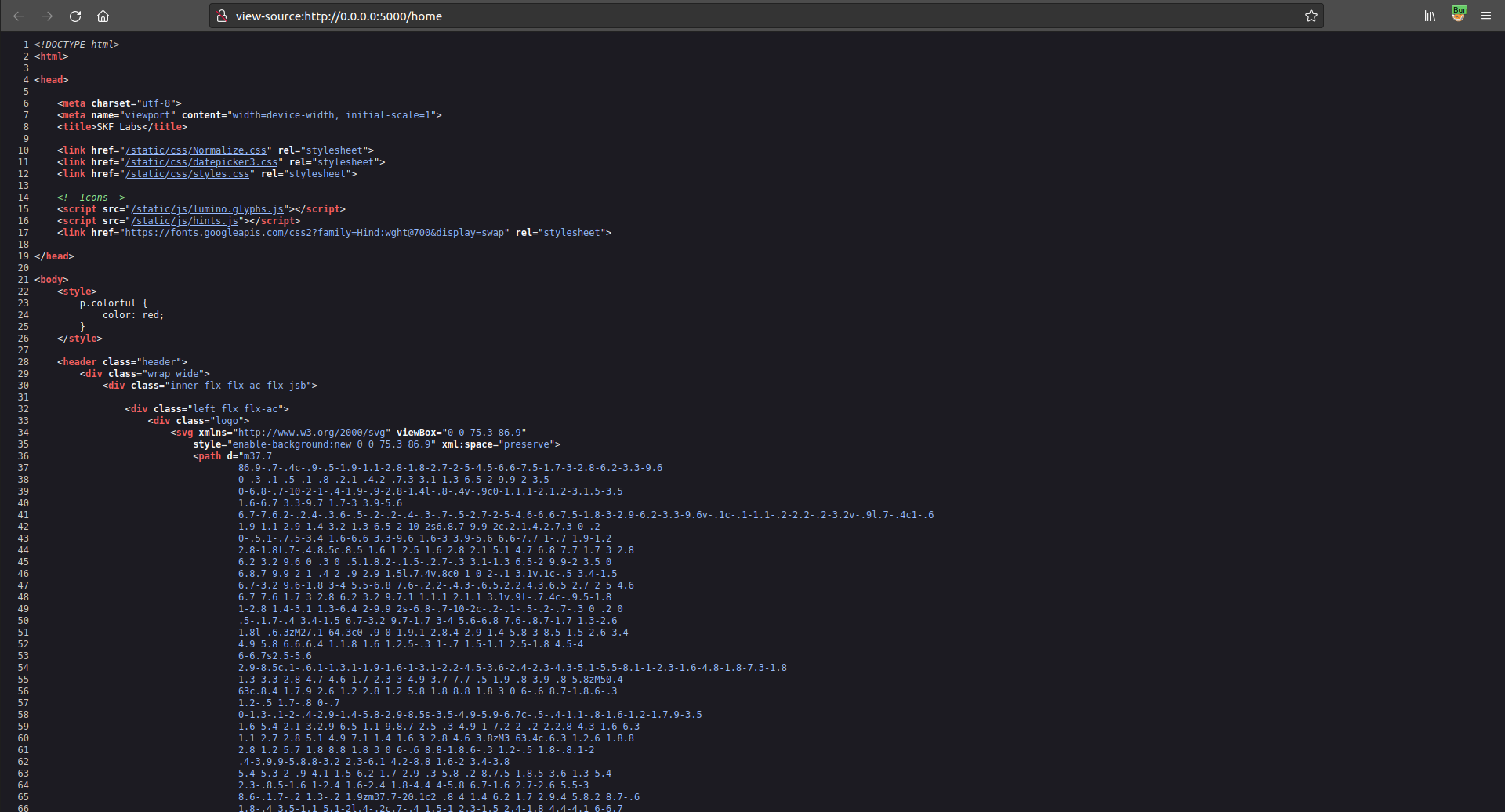
If we check how the text that we wrote in the text box is later put into the code we can see:

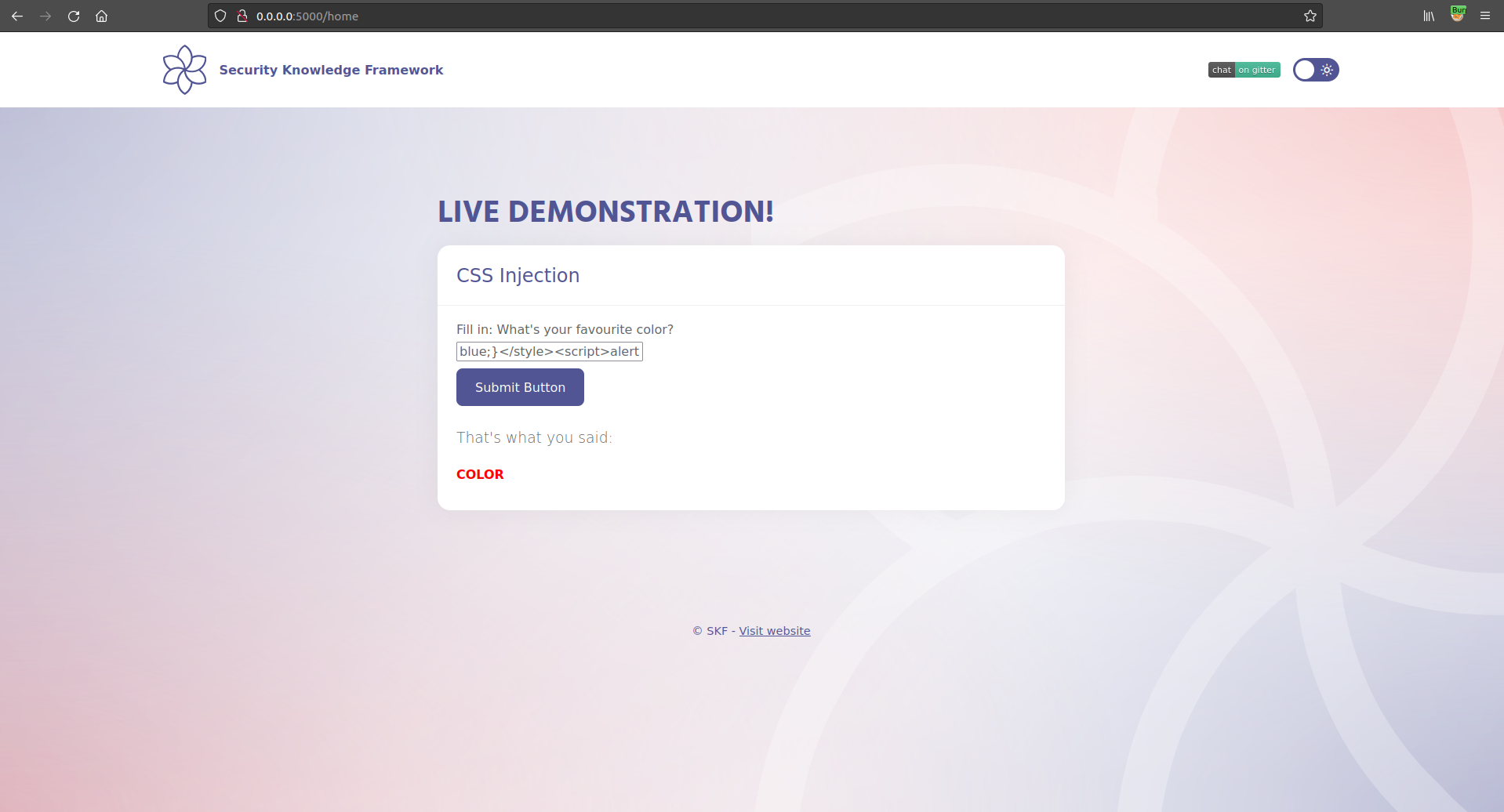
If we try to insert a malicious code that we know it will be inserted in the source code, we can try something like this:

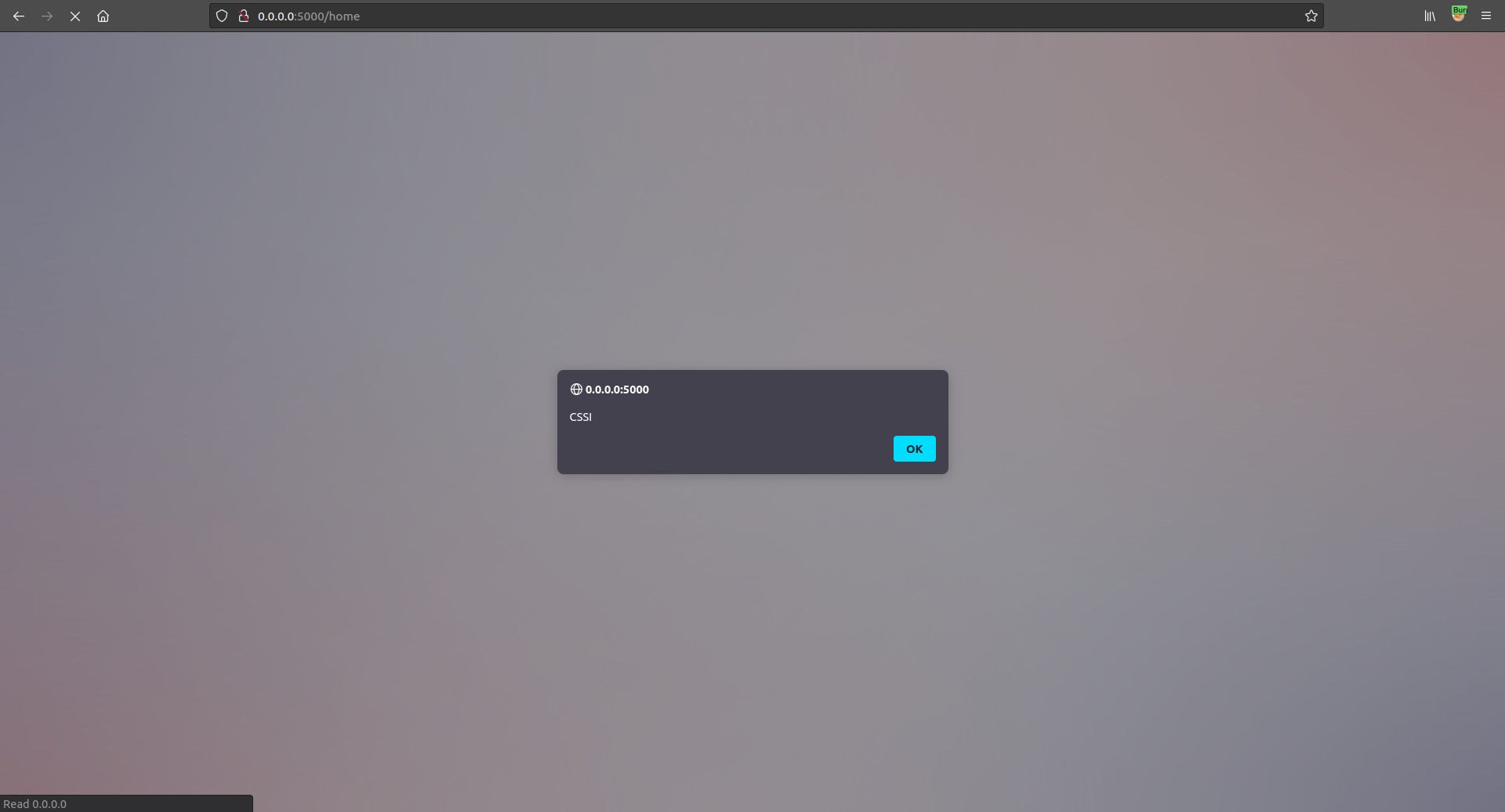
This code should show an alert box or pop up alerting the text "CSSI - XSS". If we check the website after sending the malicious request:

And goal achieved!

hashtag
Additional sources

https://www.owasp.org/index.php/Testing_for_CSS_Injection_(OTG-CLIENT-005)
$ sudo docker pull blabla1337/owasp-skf-lab:java-cssi
$ sudo docker run -ti -p 127.0.0.1:5000:5000 blabla1337/owasp-skf-lab:java-cssi

Python - CSS Injection (CSSI)

hashtag
Running the app on Docker

circle-check

Now that the app is running let's go hacking!

hashtag
Reconnaissance

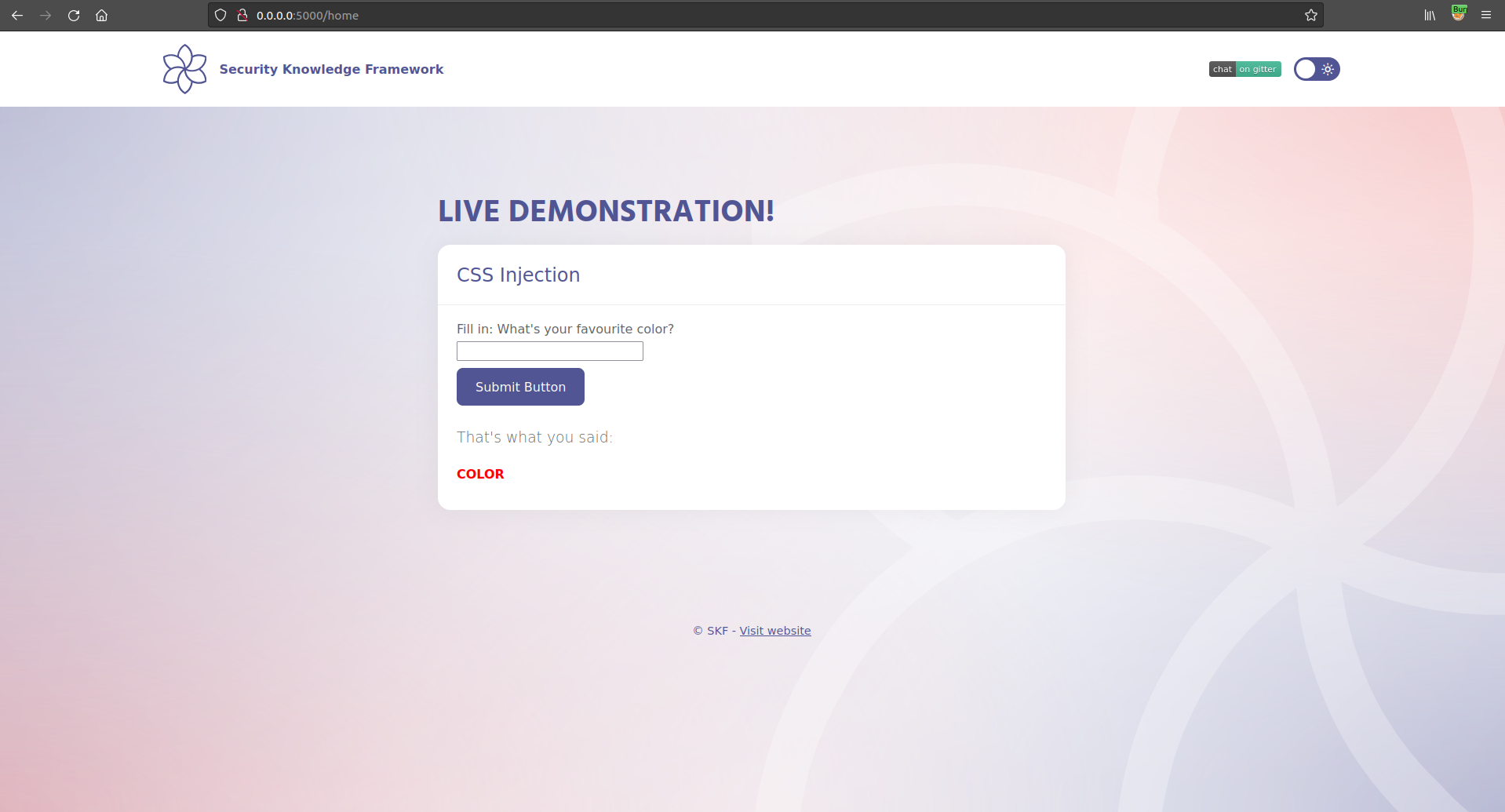
When we start the application we can see that there is a text box that allow you to write a color name.

We can write a color like:

And depending on the color that we chose, this will be the color in the text below:

hashtag
Exploitation

If we check how the text that we wrote in the text box is later put into the code we can see:

If we try to insert a malicious code that we know it will be inserted in the source code, we can try something like this:

This code should show an alert box or pop up alerting the text "CSSI - XSS". If we check the website after sending the malicious request:

And goal achieved!

hashtag
Additional sources

https://www.owasp.org/index.php/Testing_for_CSS_Injection_(OTG-CLIENT-005)
$ sudo docker pull blabla1337/owasp-skf-lab:cssi
$ sudo docker run -ti -p 127.0.0.1:5000:5000 blabla1337/owasp-skf-lab:cssi

CSS Injection (CSSI)

NodeJS - CSS Injection (CSSI)

hashtag
Running the app on Docker

circle-check

Now that the app is running let's go hacking!

hashtag
Reconnaissance

When we start the application we can see that there is a text box that allow you to write a color name.

We can write a color like:

And depending on the color that we chose, this will be the color in the text below:

hashtag
Exploitation

If we check how the text that we wrote in the text box is later put into the code we can see:

If we try to insert a malicious code that we know it will be inserted in the source code, we can try something like this:

This code should show an alert box or pop up alerting the text "CSSI - XSS". If we check the website after sending the malicious request:

And goal achieved!

hashtag
Additional sources

$ sudo docker pull blabla1337/owasp-skf-lab:js-cssi
$ sudo docker run -ti -p 127.0.0.1:5000:5000 blabla1337/owasp-skf-lab:js-cssi
https://www.owasp.org/index.php/Testing_for_CSS_Injection_(OTG-CLIENT-005)www.owasp.orgchevron-right